
Connect Printer
Bluetooth Connection
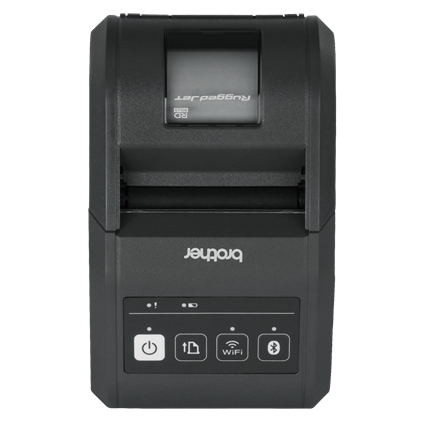
Make sure your printer is turned on and in pairing mode
How it works
1
Turn on Printer :
Make sure your mobile printer is powered on and ready for connection.
2
Enable Bluetooth :
Mobile printers usually connect with Bluetooth. Ensure Bluetooth is enabled on both your device and printer.
3
Slide to Connect :
Use the slider above to initiate the connection process. The printer will be detected and paired automatically.
4
Start Printing :
Once connected, you can start printing receipts and documents directly from your mobile device.